

Malibu Touch Command Center Screen Delaminating? Here's What's Happening and How to Fix It
The 6.5" Medallion Smart Touch display on 2011–2015.5 Malibu boats is notorious for delamination, dead backlights, and frozen touch. It’s one of the most common repair requests we see — and it’s completely fixable without replacing the whole unit. Here’s everything you need to know.

Your Malibu MTC Screen Is Delaminating — Here’s Why, and How to Fix It
Delamination is the most widespread failure on the 6.5" Medallion Smart Touch display used in 2011–2015.5 Malibu boats. That watery, glue-separation appearance behind the glass isn’t cosmetic — it leads to frozen touch, LCD failure, and an unreadable helm if left alone. Here’s everything you need to know, and how to fix it for a fraction of the dealer price.

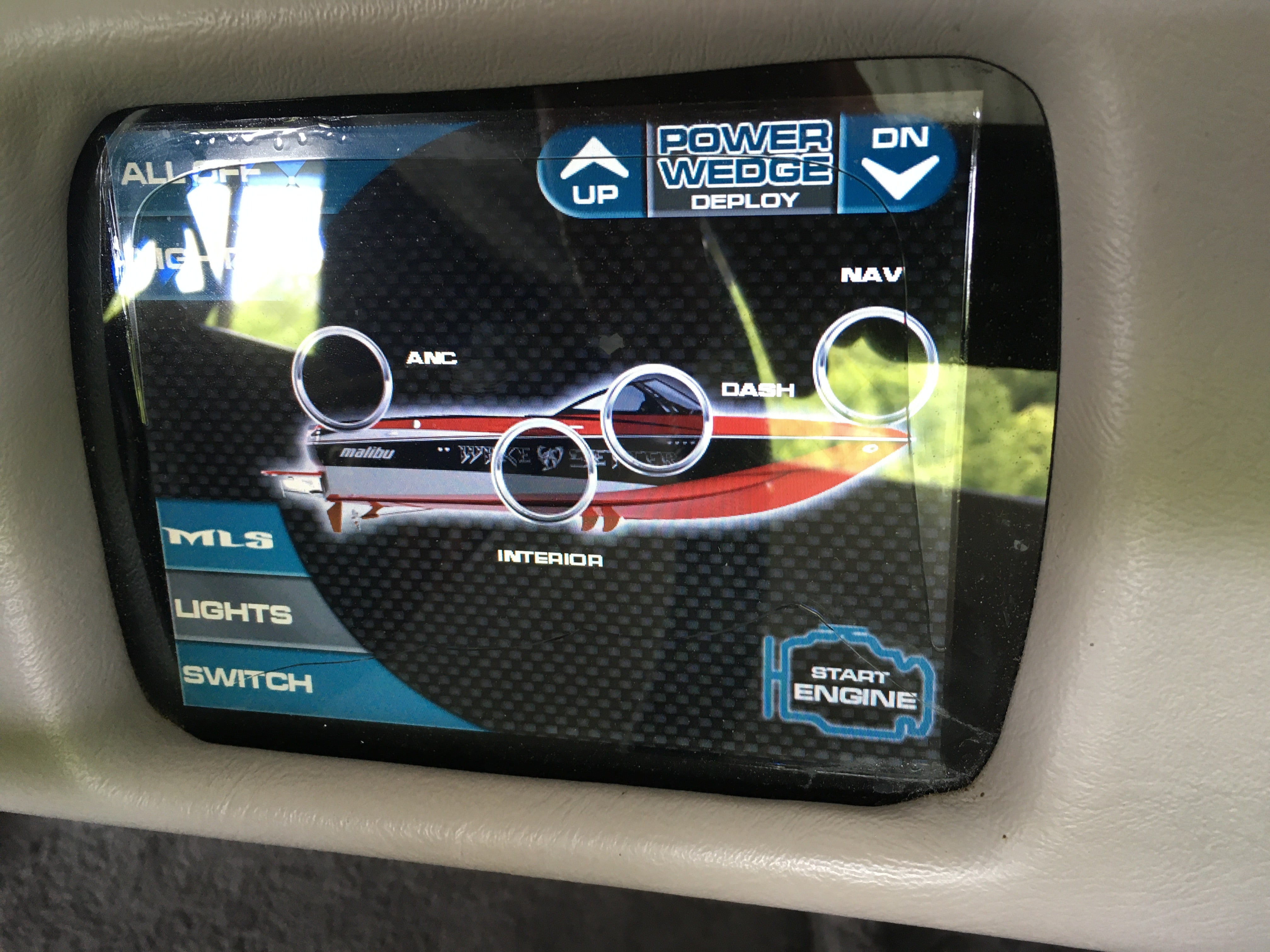
A 2013 Malibu Wakesetter helm — the MTC Touch Command Center controlling ballast, surf gate, and engine start from the center console.
What Is the Malibu Touch Command Center?
Understanding your helm display
The Malibu Touch Command Center (MTC) is a 6.5" touchscreen helm display built by Medallion Instrumentation Systems and factory-installed on 2011–2015.5 Malibu boats including the Wakesetter, Response, and other models. It controls ballast, surf system, speed, stereo, and engine data from one central panel.
The display hardware itself is solid — delamination is a screen bonding failure, not a total unit failure. The housing, boards, and wiring are all fine. Only the screen assembly needs to be replaced.
The 4 Most Common Failures
What goes wrong — and why
Delamination is almost always the first sign — but left unchecked it triggers a cascade of other failures.
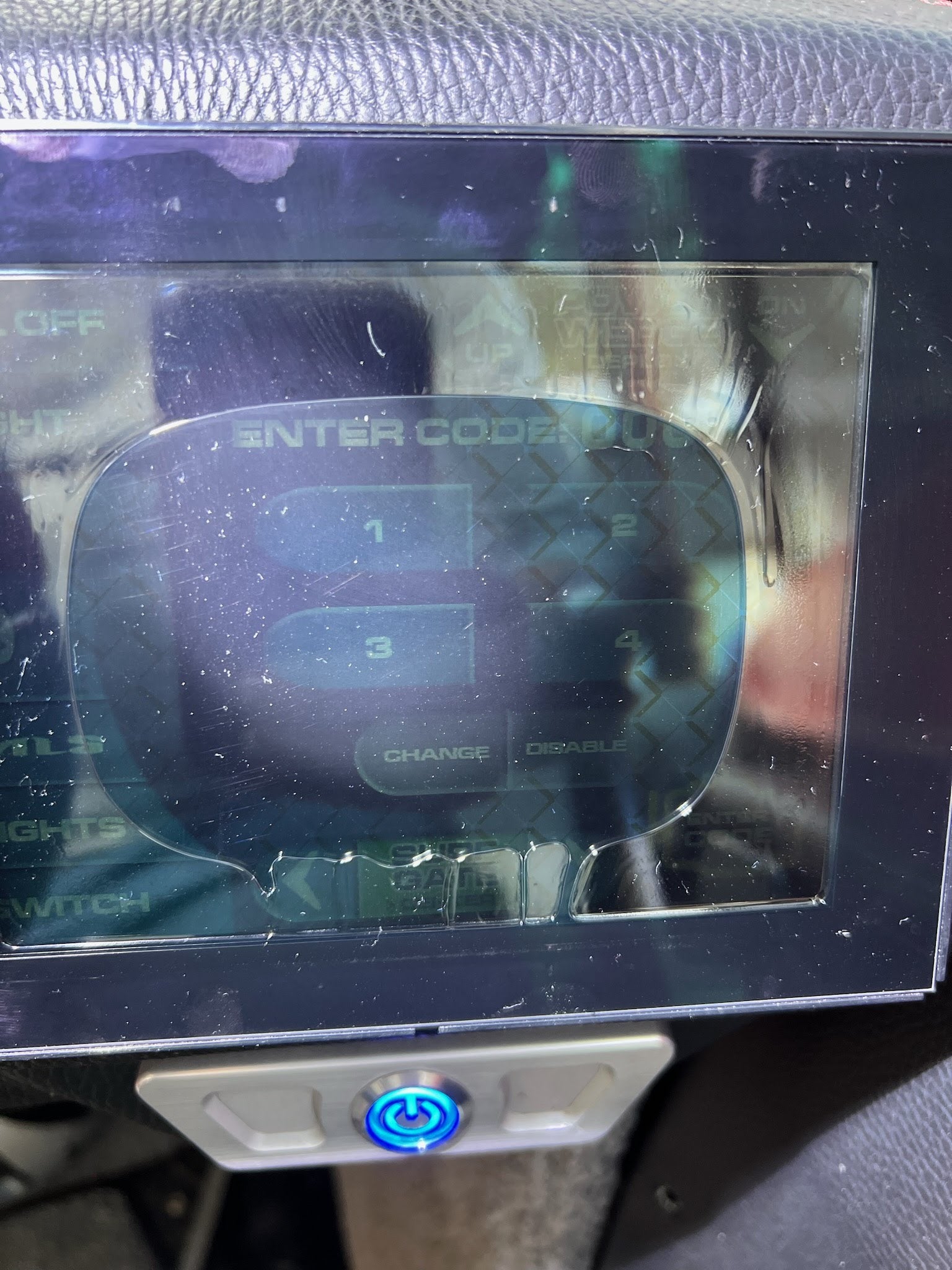
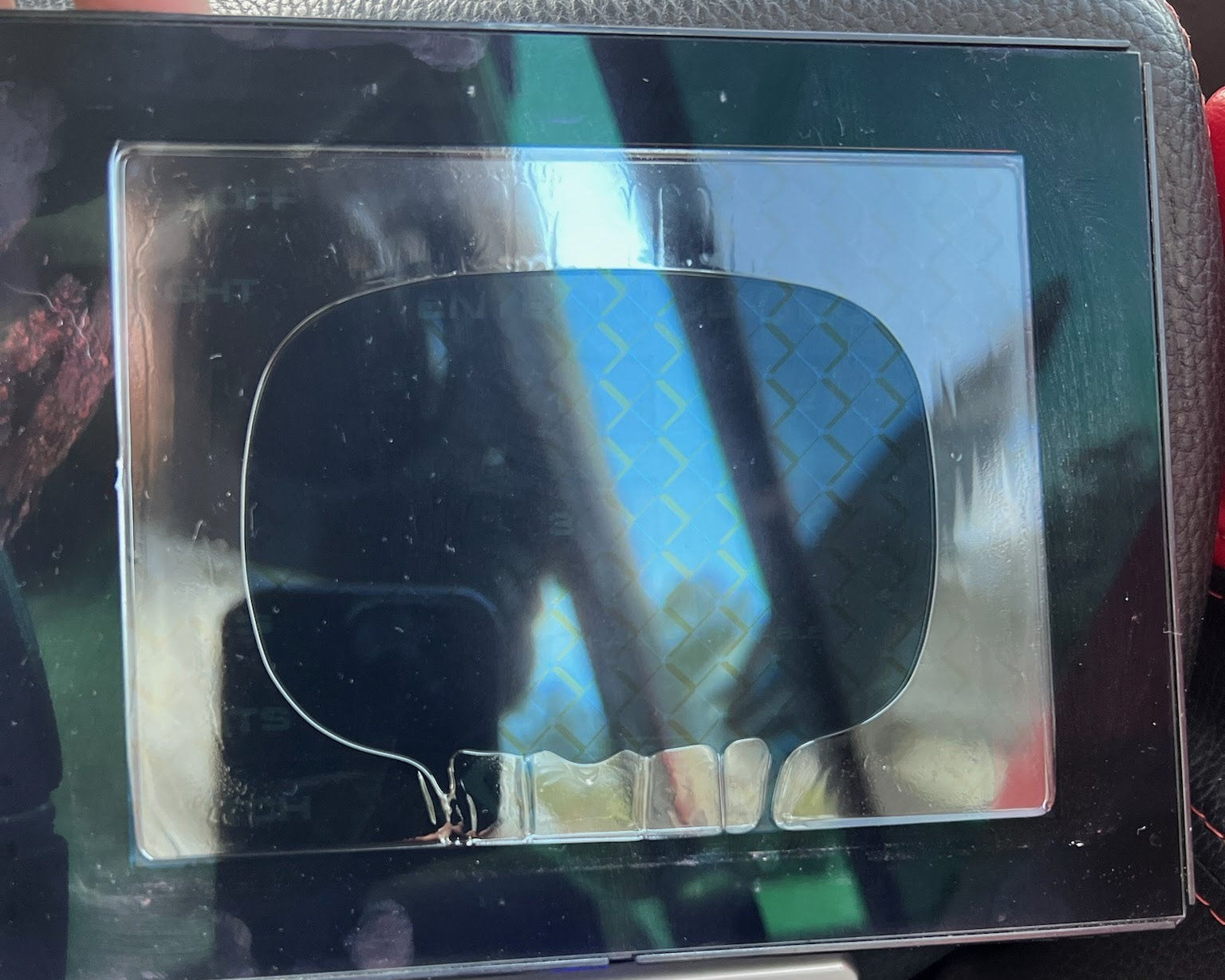
🌊 Delamination
A watery, cloud-like glue-separation forms behind the glass. The OEM adhesive breaks down under heat and UV, starting at one corner and spreading across the full panel over time.
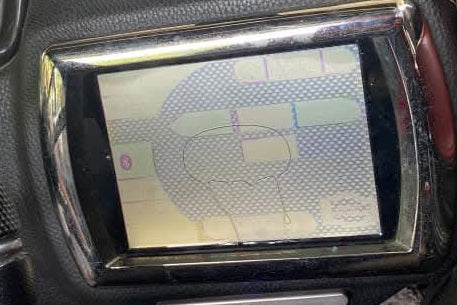
🌓 Dim or Dark Backlight
The original CCFL fluorescent backlight burns out with age, making the screen nearly impossible to read in sunlight. Our replacement uses a significantly brighter LED that won’t fail the same way.
⏱ Frozen or Unresponsive Touch
Buttons stop registering, zones go dead, or touch becomes inaccurate. As the adhesive separates, it pulls the digitizer layer out of alignment — directly causing touch failure.
🔴 Ghost Touch & LCD Defects
Phantom presses, random color bars, or vertical stripes. Moisture entering through a delaminated seal accelerates this damage rapidly once it starts.
🎦 See It Yourself — Real Units That Won’t Respond
Real Malibu MTC displays sent in by customers. Watch how buttons completely fail to register any input.
Customer unit: buttons pressed with zero response
OEM unit: touch zones completely dead
Why Delamination Happens
The real cause — not user error
The root cause is Medallion’s OEM bonding method — an adhesive not engineered for what a boat helm faces every season:
- Direct UV exposure — the helm sits in full sun all day, season after season, breaking down the bond
- Heat cycling — heats up under use, cools in storage, repeatedly stressing the adhesive seal
- Hull vibration — every wave, wake, and trailer run transmits directly into the display assembly
- Marine humidity — once a gap forms, moisture enters and rapidly accelerates delamination and LCD damage
How to Remove the Screen
Simple process — no heat gun needed
Before sending it in or starting a DIY install, you’ll need to pull the display from the helm. Watch our removal reel, then follow the steps below.
📷 Watch: Malibu Removal on Instagram →
- 1Access the back of the helm panel and locate the two mounting nuts securing the display.
- 2Remove both nuts with a socket or wrench — no special tools needed.
- 3Disconnect the wiring plug from the back of the unit.
- 4The display slides out from the front of the panel with the chrome bezel attached as one complete unit.
Watch the Full Repair
Complete delamination repair walkthrough
From delaminated to fully restored — this video covers the complete Malibu MTC repair process start to finish.
Real Customer Result
2013 Malibu Wakesetter
The dealer quoted this owner $4,850 for a full screen replacement. MTC Screens fixed the delamination and restored it to better-than-new condition — bright, fully responsive, and all original settings retained. Watch his review below.
Why Our Screen Outlasts OEM
What makes the MTC-6A different
The MTC-6A replacement doesn’t just fix the delamination — it eliminates the root cause. Every screen uses a proprietary anti-delamination bonding process engineered for the UV, heat, and vibration that Malibu helms face every season.
3 Ways to Fix Your Malibu
Choose the right option for you
All three options use the same improved anti-delamination screen. Choose based on your timeline, skill level, and preference.

Mail-In Repair
Ship with a pre-paid UPS label. We fix the delamination, test everything, and return it within 3 business days. All settings stay as-is.
Order Mail-In Repair →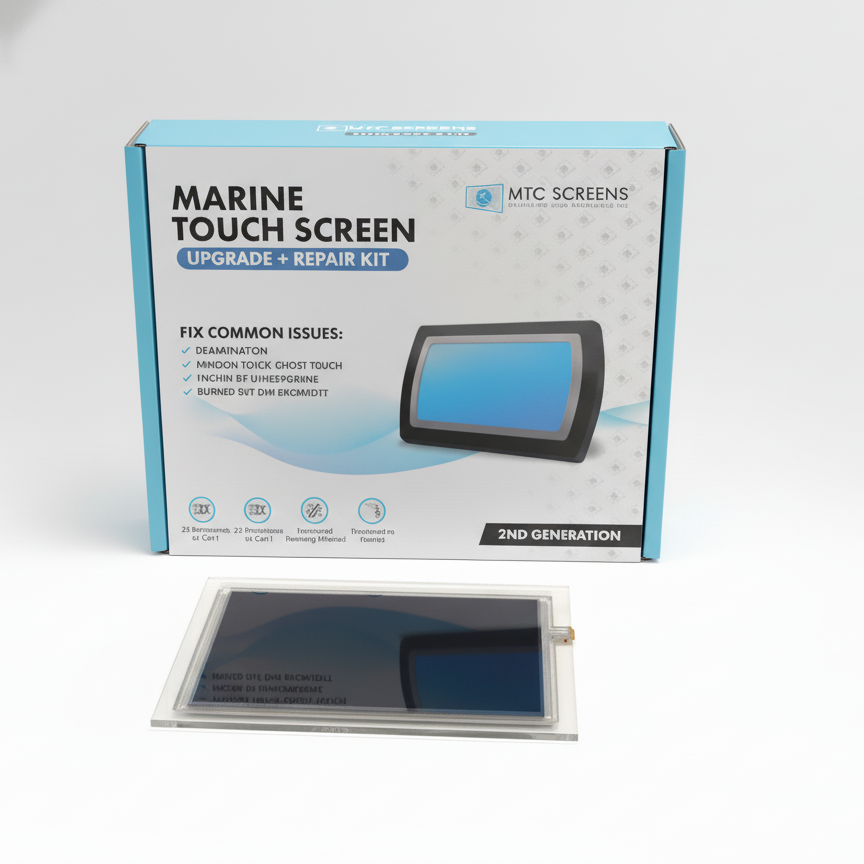
DIY Repair Kit
Full replacement screen with all tools and a step-by-step guide. Install it yourself — similar to a smartphone screen swap. Zero downtime.
View DIY Kit →
Core Exchange
Order a fully refurbished unit, install it immediately, send your old display back with the included label. Back on the water the same day.
Order Core Exchange →Ready to restore your helm?
Stop the Delamination. Fix It Right.
Malibu MTC screens repaired and returned within 3 business days. All settings retained. Satisfaction guaranteed.
View All Malibu MTC Repair Options →MTC Screens LLC is not an authorized distributor, reseller, or representative of Malibu Boats, Medallion, or any other brand featured on this website. All product names, trademarks, and logos are the property of their respective owners and are referenced for compatibility identification purposes only.
