

12" Medallion Viper II Screen Repair for Malibu, Scarab & Sea Ray

12″ Medallion Viper II Screen Repair for Malibu, Scarab & Sea Ray
Delamination and frozen touch are the two failures we see most on the 12 inch Viper II display. Here is why they happen and how to fix yours, now updated for the 2026 season.

What Is the 12″ Medallion Viper II?
The big helm display at the center of your dash
The 12 inch Medallion Viper II is the large touchscreen that runs your gauges, ballast, surf settings, audio, and navigation on a wide range of boats built from 2015 on. You will find it on Malibu, Scarab, Sea Ray, Monterey, Four Winns, Premier, and other brands, and the same display is even used in some Freightliner RV dashes.
It is a bonded assembly, meaning the LCD, the touch digitizer, and the cover glass are laminated together into one sealed unit. That construction looks great when new, and it is also the reason these screens tend to fail in a predictable way as they age.
The Failures We See Most
Two problems lead the list, with a couple more close behind
Delamination
The bonding glue bubbles and separates under the glass, leaving cloudy patches, watery-looking edges, and a border that starts to peel.
Frozen or Unresponsive Touch
You press and nothing happens. Whole sections of the screen stop registering, so ballast, surf, and audio controls become unusable.
Ghost Touch
The screen opens menus and changes settings that nobody touched. Owners often say it acts like it has a mind of its own.
Dark, Dim, or Faded
The backlight weakens or the LCD degrades, and the picture becomes hard to read in direct sunlight even when the touch still works.
Why It Happens
The boating environment works against the original bonding
A helm screen lives a hard life. It bakes in direct sun, cycles through heat and cold, and takes constant vibration from the water. Over the years, that combination breaks down the adhesive the factory used to bond the layers together.
Once that bond begins to let go, air and moisture work their way in. That is what you see as delamination, and the same breakdown often disturbs the touch layer, which is where the frozen zones and ghost touch come from.
How to Remove It
Plug-and-play removal, no special tools
- 1Reach behind the dash and check how the display is fastened. Most are held by a few screws or clips around the bezel.
- 2Disconnect the network plug on the back of the unit. It is a simple keyed connector.
- 3Unfasten the display and lift it out of the dash. Nothing needs to be cut or spliced.
- 4Pack the unit and ship it to us with the prepaid label. When it comes back, plug it in and you are done.
A Real Result
From bubbling and frozen to clear and responsive
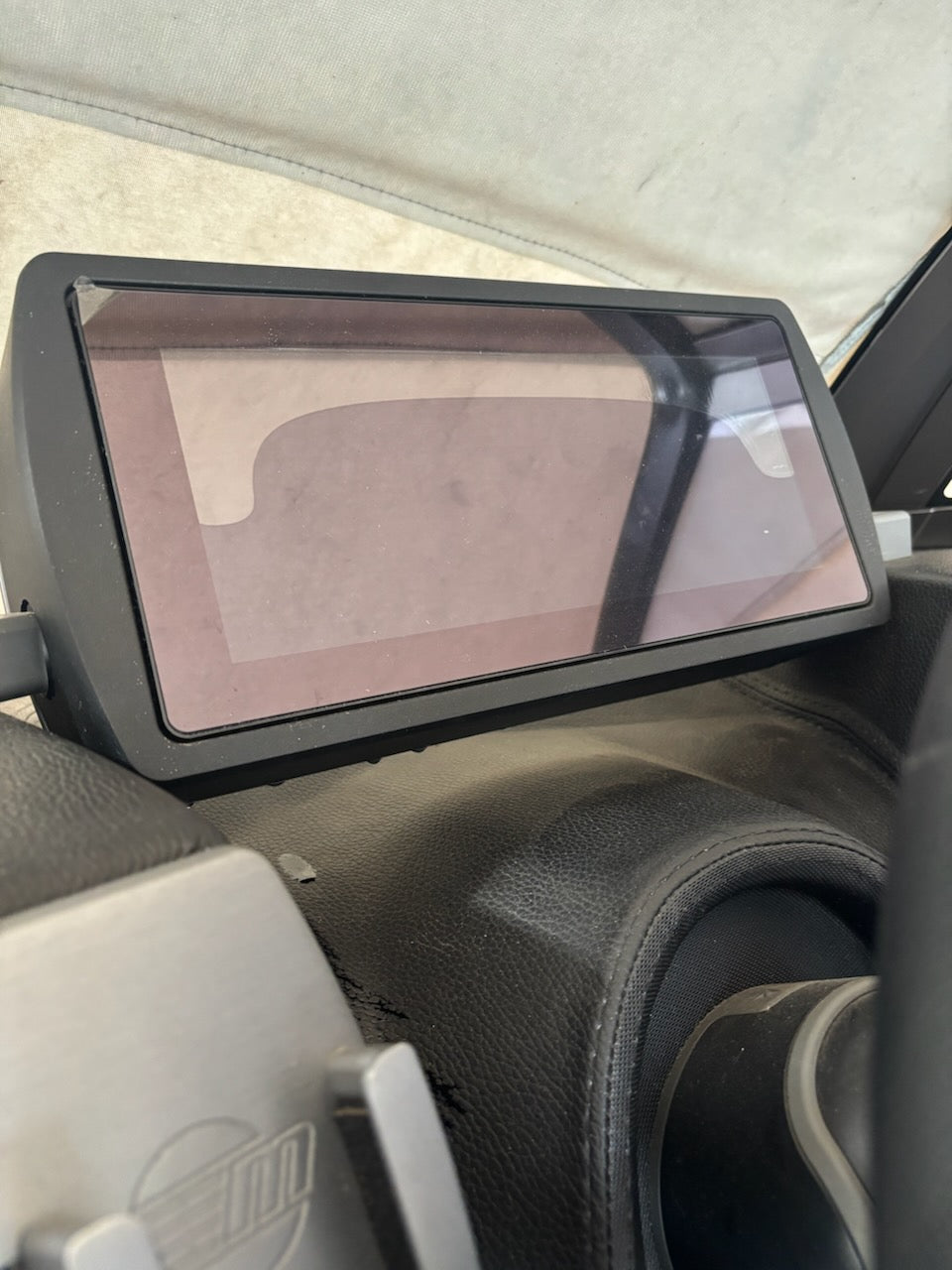
This Malibu Wakesetter came to us with heavy delamination, glue leaking past the vinyl, and touch that had gone unreliable across the lower half of the screen. The owner was quoted thousands for a brand new unit from the dealer.
Built to Outlast OEM, Updated for 2026
Our replacement screen just got even better this season
We do not simply copy the part that failed. Our replacement is an upgraded design, and for the 2026 season it received a round of improvements aimed at brightness, water resistance, and long-term durability.
Three Ways to Fix It
Choose the path that fits you best
Mail-In Repair
Send us your display with a prepaid label. We install the upgraded screen and ship it back working, settings intact.
Start Mail-InDIY Repair Kit
We ship the updated screen to your door for you to install yourself. Similar to replacing a phone screen.
Order DIY KitRefurbished Exchange
Get a refurbished unit shipped first, then send your old one back with the provided label. No downtime.
Order RefurbFix Your 12″ Viper II and Save Thousands
Delamination and frozen touch are what we do every day. Get your display back to clear, bright, and fully responsive, updated for 2026, in 3 days or less.
Start Your Repair