

Why Your Centurion Touch Screen Is Stuck on the Booting Page and How to Fix It
Turn the key and your Centurion touch screen hangs on the booting page, or shows booting text so faint it looks like a black screen? This is one of the most common HV700 failures we see, and our standard mail-in repair service fixes it. Here is what is happening and how to get back on the water in 3 days or less.

Turn the key and your Centurion touch screen lights up, then just sits on the Booting page and never loads the dash? In many cases the booting text is so faint the screen looks completely black. Here is what is happening behind the glass and how to fix it.
In this guide
- What the Centurion screen is, and why it is a 7 inch Murphy HV700
- The 4 failures we see most: stuck on booting, faint or black screen, ghost touch, and unresponsive touch
- Why it hangs on booting, and how to remove the display
- What comes back to you, and the simple way to fix yours
What Is the Centurion Touch Screen?
The 7 inch Murphy (Enovation) HV700 display
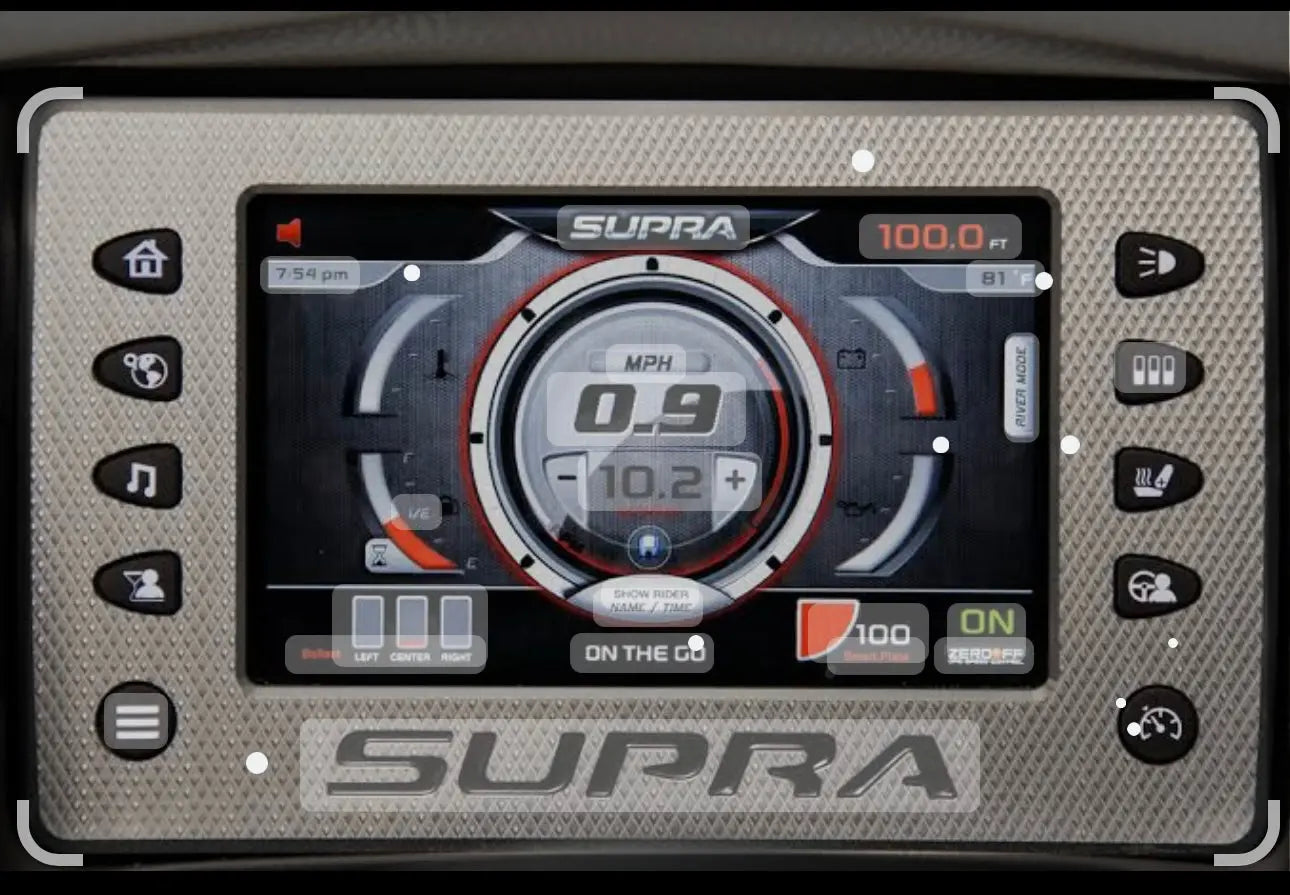
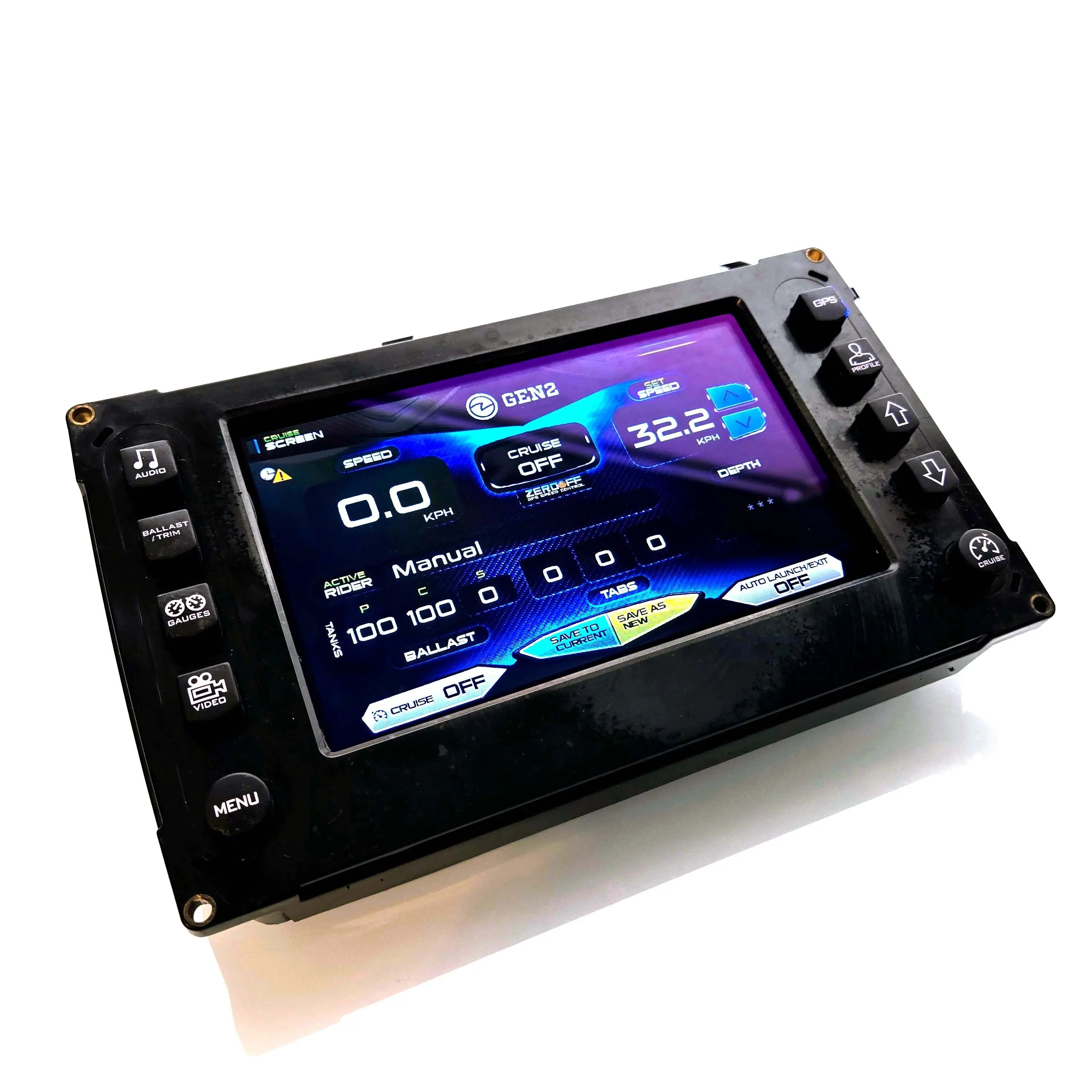
Centurion boats use the 7 inch HV700 touch display made by Murphy / Enovation Controls at the helm, with 2013 being the main affected model year for this failure. It runs the dash you rely on every day: speed, ballast, tabs, engine data, fuel, audio, and your rider profiles. The same display platform is also found on Supra, Mastercraft, Tige, Nautique, Regal, Premier, South Bay, Harris, Four Winns, Bayliner, Sylvan and other marine brands from the same era, and the booting page failure shows up the same way across all of them.
Compatible Display Models
The 4 Most Common Failures
What goes wrong on the Centurion HV700
We see HV700 displays from all over the country, and the failures tend to fall into a few recognizable patterns. The booting page freeze is one of the most frequent:

🔄 Stuck on the Booting Page
The display powers up, shows the booting screen, and never moves past it. Key cycles and battery resets tend not to clear it. The boat is healthy, but the helm stays locked on booting.

⬛ Faint Text or Black Screen
The screen looks dead, but look closely in shade and you may see the booting text very faintly. The display is running, the image has just degraded to the point where it can barely be seen.
👻 Ghost Touching
The screen taps itself. Menus open, settings change, and ballast or audio controls activate with no one touching the glass. This has been known to develop as the internal touch controller chip ages.
✋ Unresponsive Touch
The display shows the dash normally, but taps stop registering in part or all of the screen. Many owners first notice it in one corner before it spreads across the panel.
🎞️ Watch: HV700 Stuck on Booting
Here is the booting page failure on a Mastercraft HV700 in our shop. The display hardware is identical across Centurion, Mastercraft, Supra and the other brands listed above, so what you see in this video is exactly what happens at a Centurion helm.
Why It Gets Stuck on Booting
Hardware inside the display, and it is repairable
A display frozen on the booting page looks like a software problem, so many owners spend a weekend trying resets, fuse pulls, and battery disconnects. In our experience the cause usually sits inside the display itself. A few things happen to these units after years at an open helm:
- The LCD panel degrades after seasons of heat cycling and direct sun, which is why the booting text can fade until the screen appears black. The unit may still be running underneath an image you can barely see.
- The internal touch controller chip has been known to fail after 5 to 7 years, which can produce ghost touching, unresponsive touch, and startup behavior that hangs on the booting screen.
- Marine humidity, UV, and vibration work on the internal connections over time, and the HV700 sees all three every day it spends on the water.
How to Remove the Display
Simple plug-and-play removal at the helm
The HV700 comes out of the Centurion dash as a complete unit with basic hand tools. No dash disassembly and no programming equipment needed.
- 1Disconnect the boat's battery before working at the helm. Pull the negative terminal first.
- 2Access the rear of the dash and remove the mounting fasteners holding the display housing in place. Set the hardware aside for reinstallation.
- 3Disconnect the wiring harness from the back of the unit. The connectors are keyed, and a quick photo of the wiring makes reinstallation easy.
- 4Slide the display out of the dash and pack it as a complete unit. Our shipping instructions walk you through safe packaging.
- 5Ship it with the label we send you. US customers receive a shipping label from us, so getting your unit to our Fort Myers, FL facility is as easy as dropping off the box. We repair, test, and ship it back. Reinstallation is plug and play with no setup required.
What Comes Back to You
Your own unit, restored and upgraded
Displays arrive at our shop stuck on the booting page or showing a faint, barely visible image. They leave fully restored, with a new LCD and digitizer, an upgraded touch controller, and the housing resealed to retain its original watertight properties. All of your original settings and profiles are preserved, so the unit plugs back in with no programming and no setup.
Why Our Repair Outlasts OEM
Improved components engineered for the open helm
We have spent years designing and testing improved replacement LCD and digitizer panels for this display. Every HV700 repair includes:
How to Fix Yours
One straightforward mail-in service covers it
Whether your Centurion display is stuck on booting, showing a faint image, ghost touching, or simply unresponsive, the path is the same: our standard mail-in repair service.
Mail-In Repair
Place your order and we send US customers a shipping label. We replace the LCD, digitizer, and touch controller, test, reseal, and return it within 3 days or less. $2,200, down from $3,495. 1-year warranty included, 3-year available.
Order Mail-In Repair →Pay After Repair
Place your order, ship the unit in, and we invoice you before shipping it back. You see the repair completed before you pay. Terms and conditions apply.
Learn More →Free Diagnostic Help
Send us a photo of your display and your boat year and model. We will confirm it is an HV700, identify the failure, and point you to the right service. No commitment.
Contact Us →Ready to get past the booting page?
Get Your Centurion Back on the Water
Mail in your HV700 display with the shipping label we send to US customers. It comes back in 3 days or less with a new LCD, upgraded touch controller, and a startup screen that actually finishes booting.
Order HV700 Repair →